
WEbsite
for Multilingual Communication
You know your work. Your potential clients don’t. At least not yet.
This project was about turning a client’s professional vision into a website that clearly communicates who she is, what she offers, and how to book her for a gig.
Client
Freelance interpreter and translator.
My role
UX-Designer and illustrator
duration
2 months
focus
Brand identity, IA, prototyping,
website launch
Project overview
problem
The client didn’t have a website yet. She had a clear idea of what she wanted to communicate, but needed help turning that vision into a digital experience.
solution
Starting from her wishes, personality and professional offering, I designed the website from scratch — from structure and navigation to visual design, illustrations and content.
outcome
A fully launched Squarespace website that gives the client a professional online presence which has increased her number of clients.
Ok, so introduction completed. Let’s dive into:
The problem
As mentioned, you know your work, but your potential clients most likely don’t
My client was a freelance translator with years of experience, but no website to bring her work, personality and services together.
She had a good idea of what she wanted the site to feel like in terms of vibes and content, to some extent. My job was to turn those ideas into something people could actually navigate.

Client Workshops
Before opening Figma, I needed to figure out what we were actually building.
We sat down for a few conversations and workshops to unpack the client’s ideas, wishes and goals. What should people know about her? What kind of work did she want to attract? And what did she want visitors to feel when they landed on the site?
It was less about finding all the answers straight away, and more about getting on the same page.
From there, I had a clearer idea of what to look for in the research — and what the website needed to do.
Research & Competitor Analysis
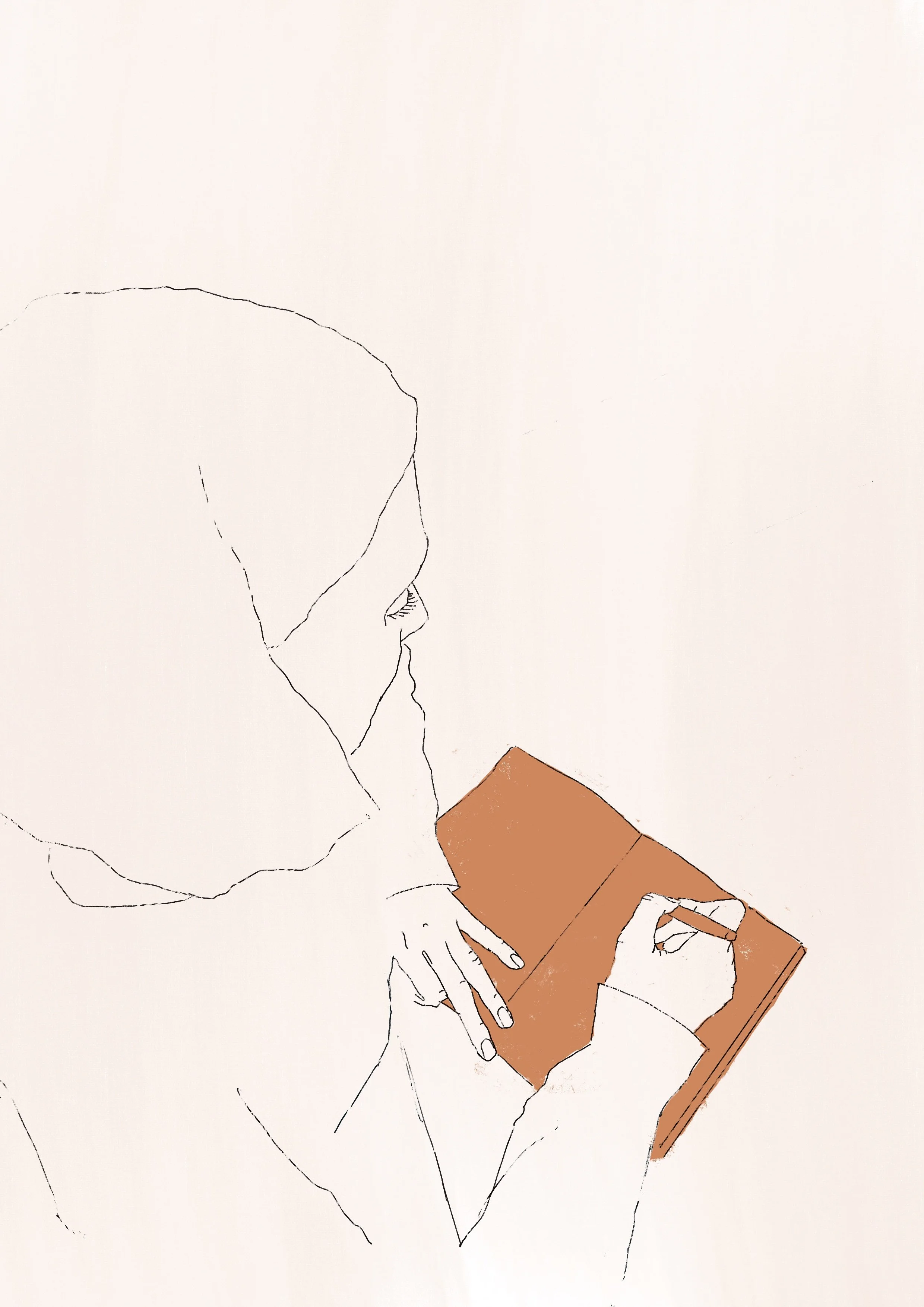
After having a good enough sense of what she was after, I did some digging into her competitors.
I explored websites from other translators and similar freelance professionals, paying attention to how they presented their services, organised their content and encouraged potential clients to get in touch.
This helped me spot common patterns, useful ideas and things to avoid. It gave me clearer sense of where the website needed to be straightforward, and where we could be more creative.
IA & Content
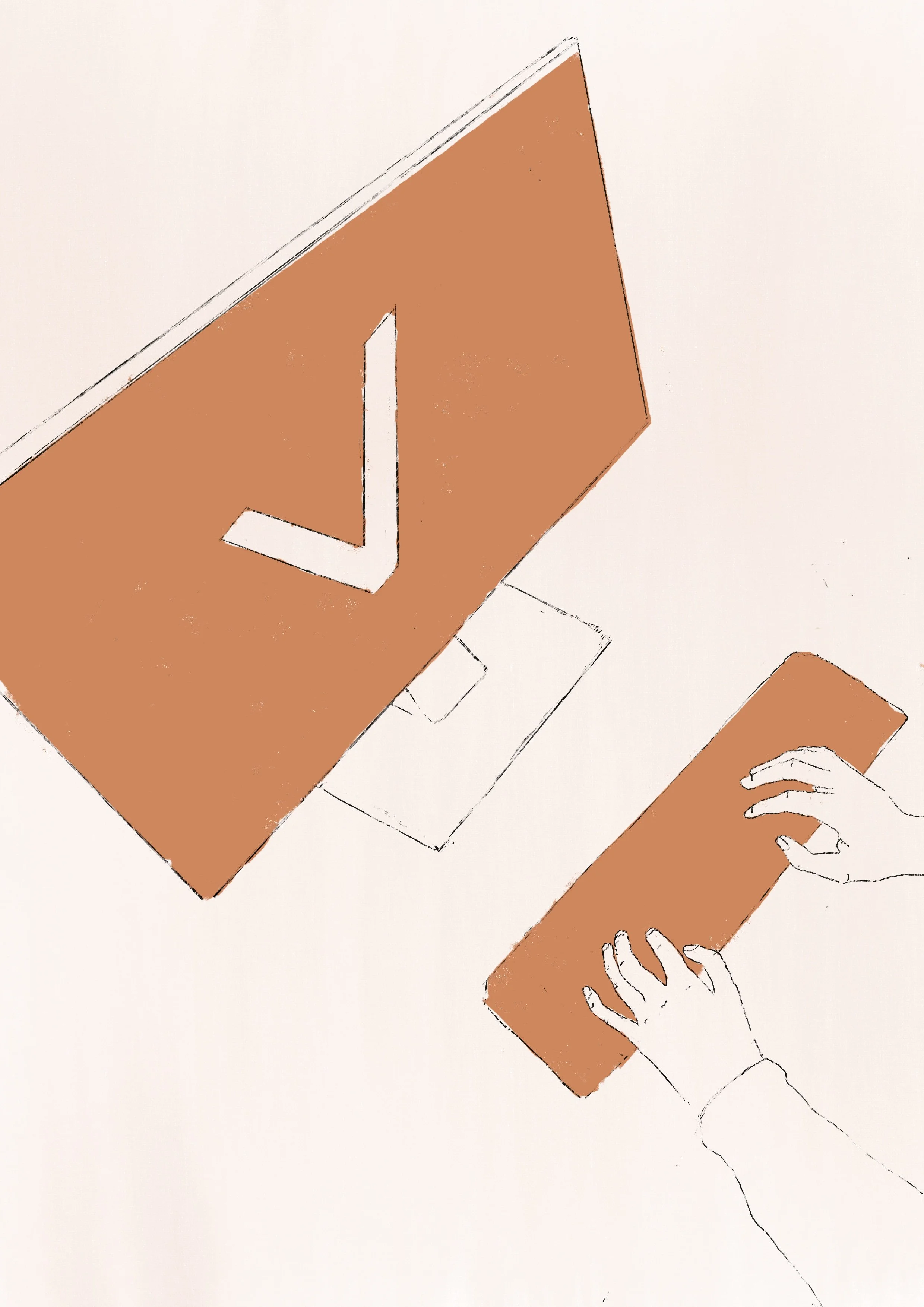
With the research in place, I started mapping out the information architecture.
The goal was simple: someone landing on the site for the first time should quickly understand who she is, what she does and how to get in touch.
I organised the content into a simple navigation and sitemap, then worked through the hierarchy of each page. Rather than trying to say everything at once, I focused on giving each piece of content a clear job.
Colour & Tone
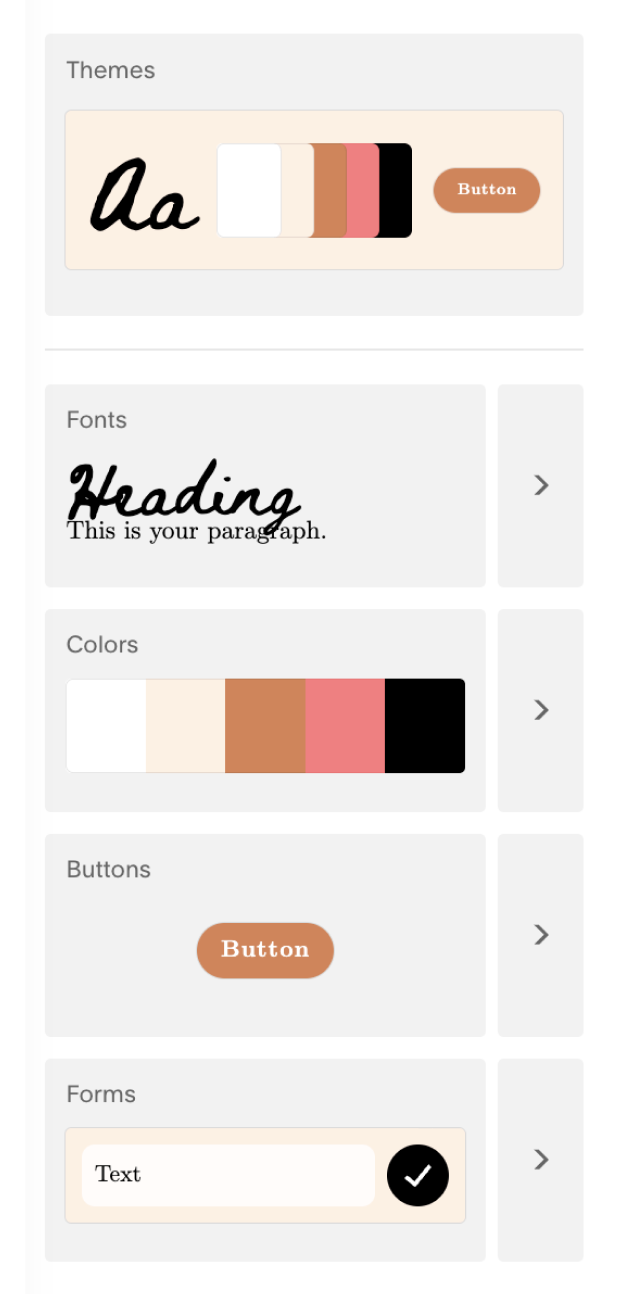
After pinning down the structure and framework for the content, we started working on the visual vibe of her website.
She wanted it to feel personal and unique, warm and approachable — rather than the typical language consultancy.
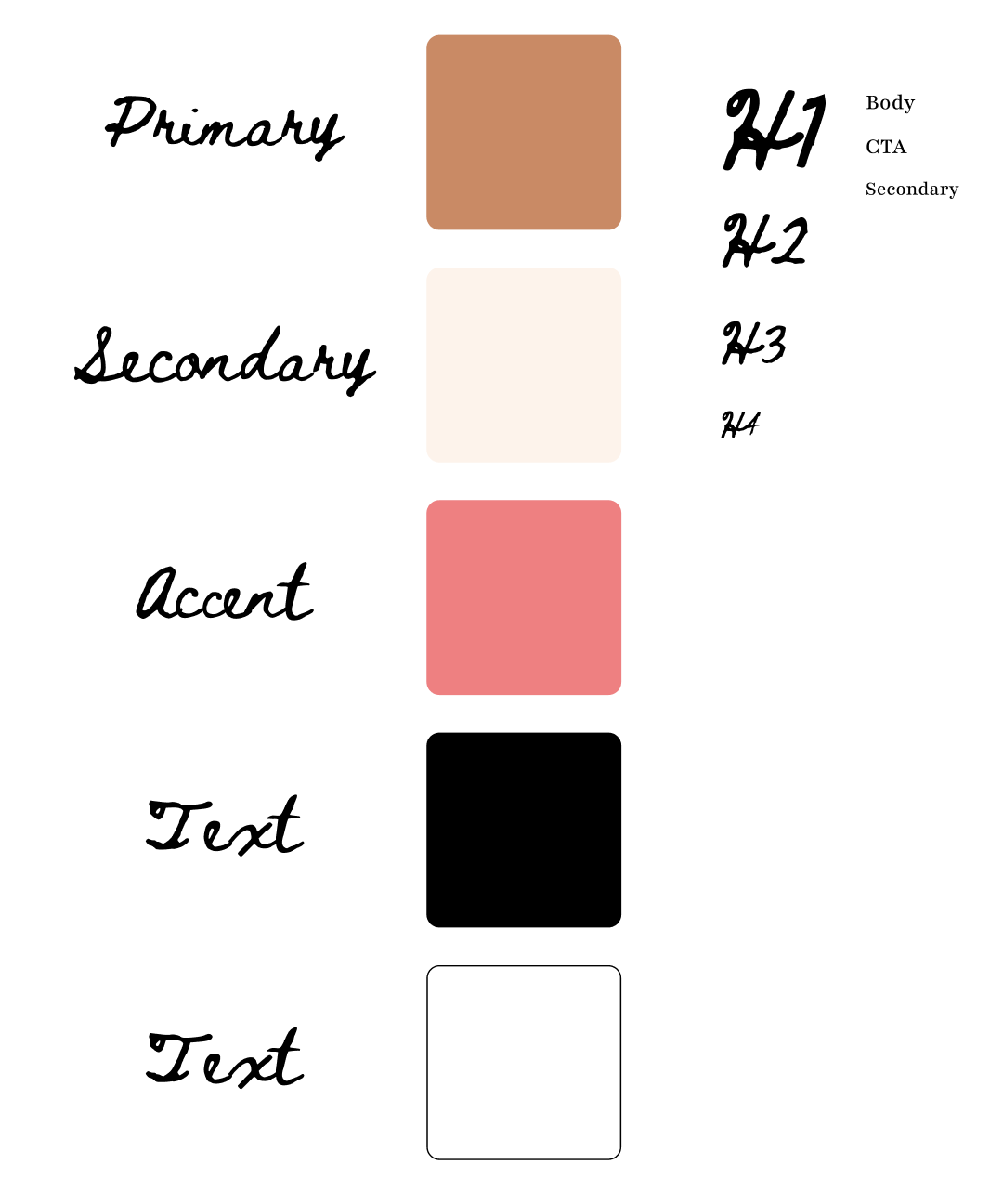
The soft orange became the starting point. Its almost skin-like quality suggests the body, human contact and connection — fitting for a profession built around helping people connect across languages and reducing linguistic and cultural barriers.
One of the challenges was finding a visual tone that felt distinctly hers while still keeping the interface clear and accessible. We therefore used the warmer colours primarily as part of the visual identity, while relying on stronger contrast, clear hierarchy and typography where information needed to be easy to read.
Illustrations
After that was when my illustrator side got to join the UX process.
The client wanted the website to feel personal rather than like another generic professional services site packed with AI generated images of office scenes. Fair enough, I thought.
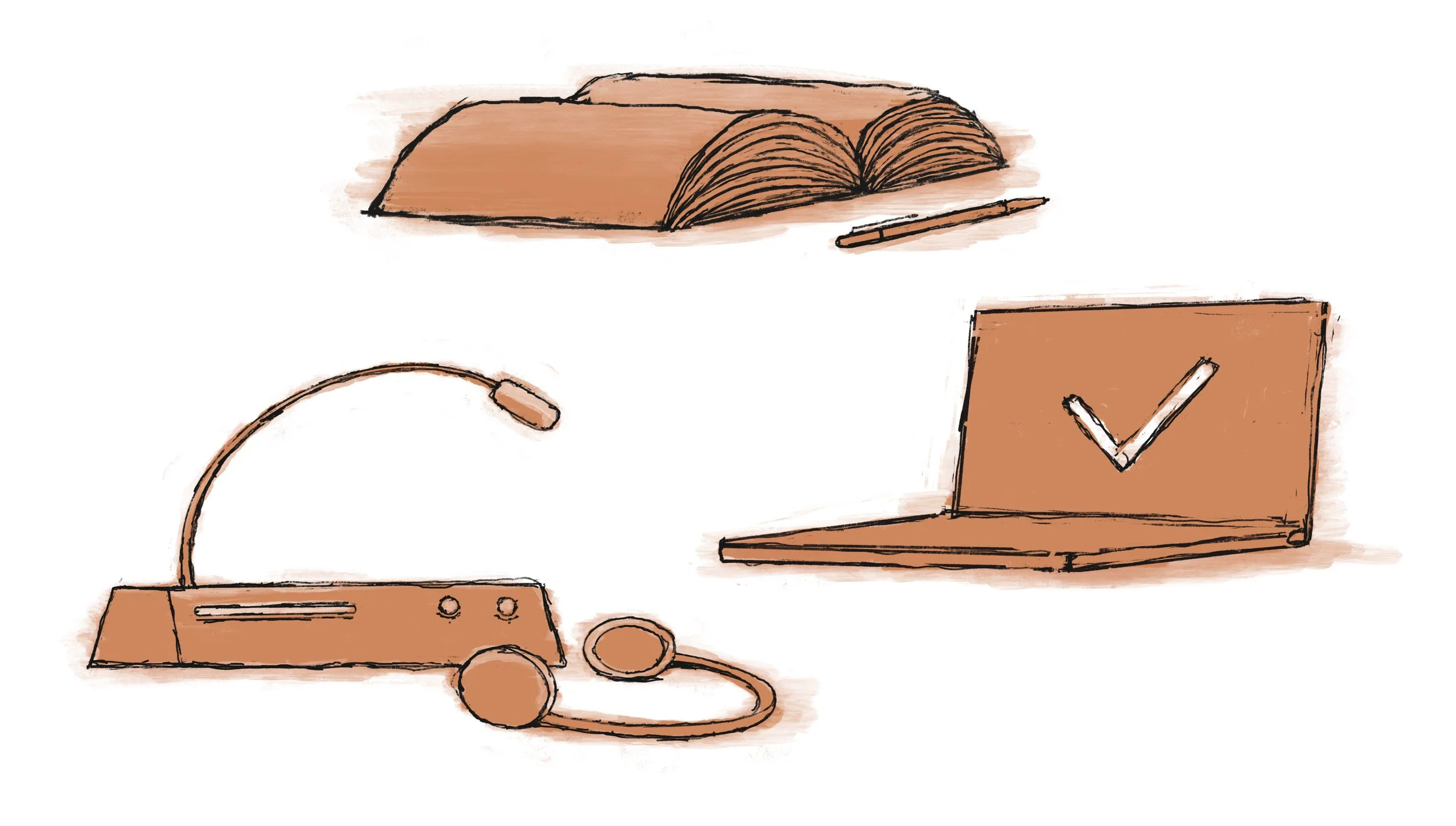
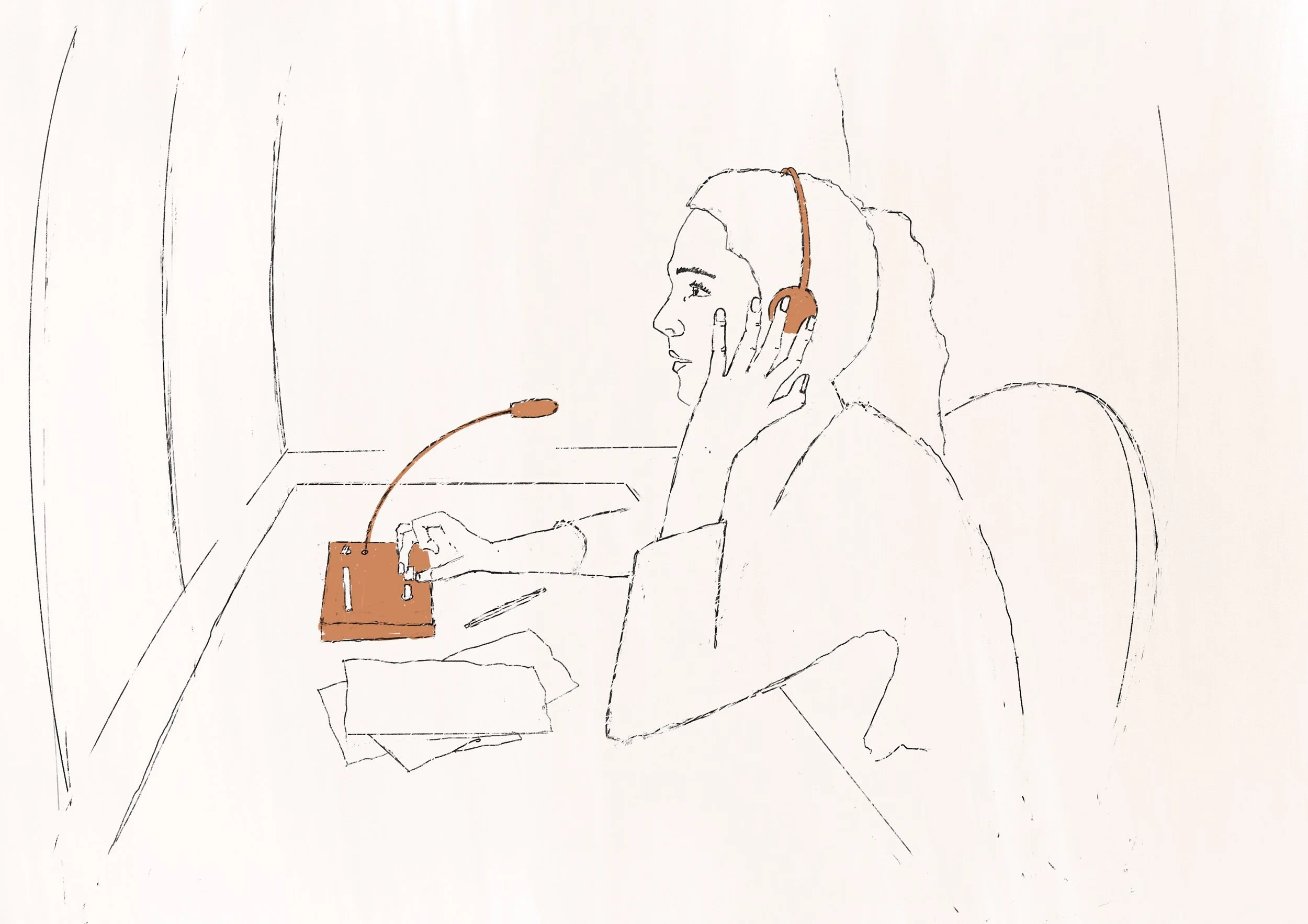
So I developed a set of custom illustrations to give the site more character and create visual connections between different sections.
The illustrations weren't just there to look nice — they helped break up the content, create visual anchors and make the experience feel more like her.
Prototyping
Once the structure was working, I moved into wireframes and then high-fidelity prototypes.
I explored different layouts, navigation patterns and ways of presenting the client’s services before settling on a direction.
The prototypes also gave us something concrete to refer to. Instead of talking about what the website might be, we could click through it and see where things felt clear — and where they didn’t.
Nr. something iteration of the mobile version
Nr. somewhat later iteration of the desktop version
From Figma to Squarespace
After iteration after iteration, the next step was turning the design into a real website.
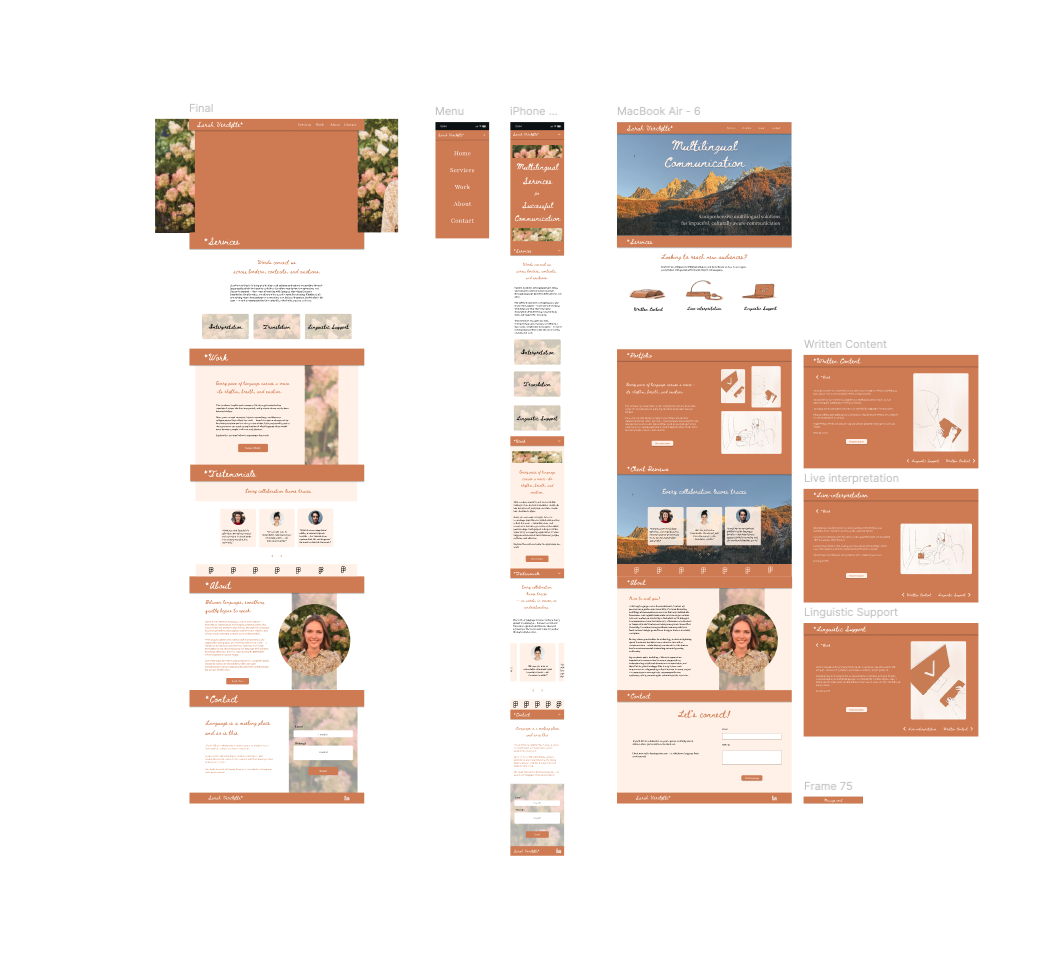
I implemented the site in Squarespace, adapting the layouts and interactions to work within the platform. The final website ended up looking quite different from the original Figma design in terms of the smaller details — and that was part of the process.
The core navigation, structure and visual direction remained, while the finer details evolved to fit what Squarespace could actually do.
It was a good reminder that designing for a real platform means knowing when to stick to the original idea, and when to let the design adapt.
Finally
the launch!
And then it was time to actually put it out into the world.
The finished website was launched through Squarespace, giving the client a professional online presence she could maintain herself.Since launching, the website has helped her reach new potential clients and opened up new job opportunities.
Want to have a check it out - or even better, book her for some linguistic services? You can find the website by
Last updated: 23.9.26